Antayha: A Handwritten Font for Creative Web Design
As a web designer, I recently embarked on a project to revamp the online presence of a boutique store. The goal was to create a more engaging and visually appealing website that would resonate with the brand's unique and artistic identity. After sifting through numerous fonts, Antayha caught my eye with its sweet and friendly handwritten style.
Introducing Antayha: A Unique and Natural Script Font
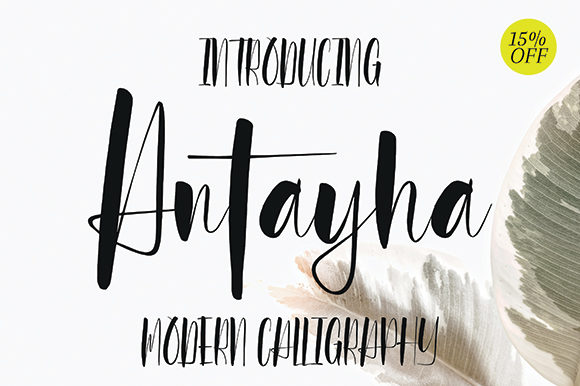
Antayha is a premium font that stands out with its natural and unique style. Its handwritten quality brings a personal and approachable feel to any design, making it incredibly versatile for a wide range of digital projects. Whether you're designing a hero section, crafting a call-to-action, or creating a logo, Antayha can add a touch of charm and personality.
Visual Characteristics and Personality
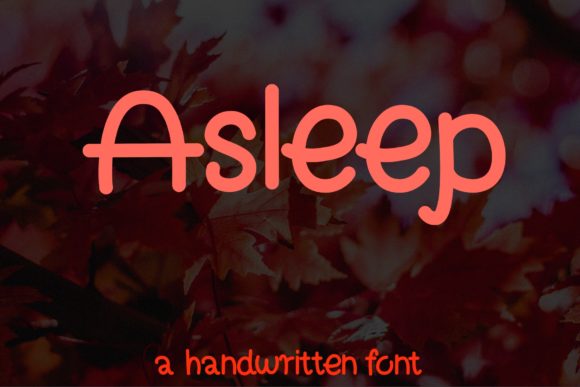
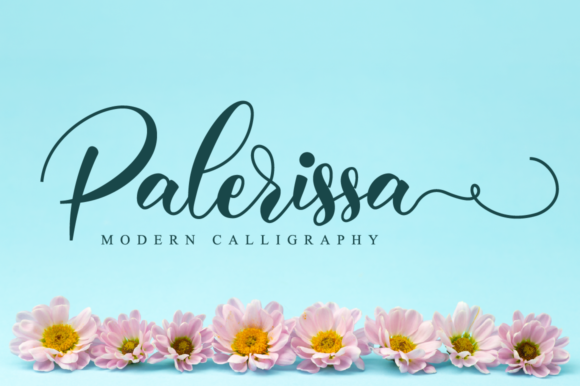
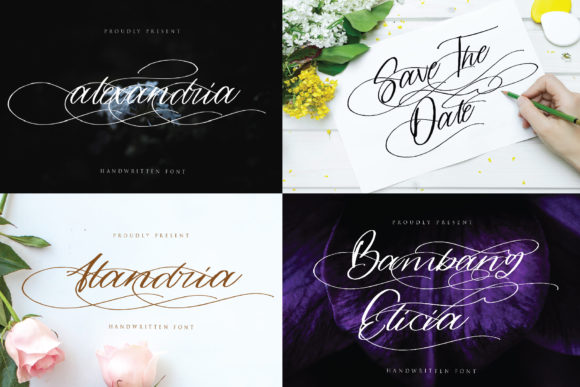
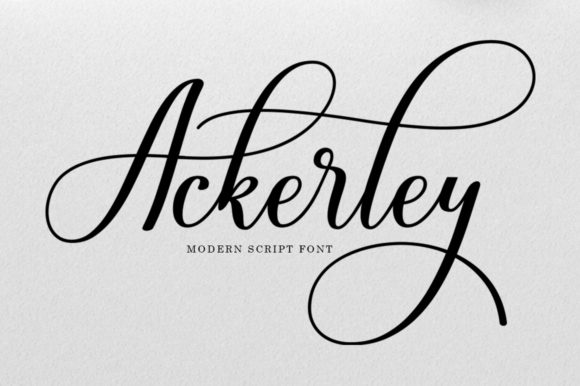
The visual characteristics of Antayha are what make it so appealing. Its flowing, cursive-like strokes give it a casual yet elegant appearance. The font's natural and slightly irregular lines mimic the look of real handwriting, adding a human touch to digital designs. This makes it perfect for brands that want to convey a friendly and authentic vibe.
Using Antayha in Web Design
I started by testing Antayha in the hero section of the boutique store's homepage. The font's unique style immediately set the tone for the entire site, making the brand feel more relatable and inviting. Here are some practical ways to use Antayha in your web design:
- Hero Titles: Use Antayha for the main headline in your hero section to grab attention and create a memorable first impression.
- Section Headings: Incorporate Antayha for section headings to add a touch of elegance and maintain a consistent visual theme.
- Call-to-Action Buttons: While Antayha may not be ideal for small buttons, using it for larger CTA text can make the button stand out and feel more inviting.
- Logo Text: Antayha's handwritten style makes it a great choice for logo design, especially for brands that want to appear creative and personal.
- Decorative Accents: Use Antayha for short phrases, quotes, or decorative elements to add a unique flair to your design.
Readability and Visual Hierarchy
While Antayha is visually appealing, it's important to consider readability, especially on mobile screens. For longer texts, it's best to pair Antayha with a clean, simple sans serif font for body copy. This combination ensures that the content remains legible and easy to scan, while still benefiting from the decorative and friendly nature of Antayha.
Font Pairing and Brand Consistency
One of the keys to a successful web design is maintaining brand consistency. When using Antayha, I recommend pairing it with a more straightforward typeface like a sans serif or a minimalist serif font. This creates a balanced and professional look. For example, you could use Antayha for the main headlines and a sans serif like Arial or Helvetica for the body text.
Realistic Examples and Practical Tips
Here are some realistic examples of how Antayha can be used in various web design scenarios:
- Creative Portfolio: Use Antayha for the main title and section headings to give your portfolio a personal and artistic touch.
- Boutique Online Store: Incorporate Antayha in the hero section and category headings to create a welcoming and stylish shopping experience.
- Coaching Website: Use Antayha for the main headline and testimonials to add a friendly and approachable feel to your coaching services.
- Product Landing Page: Add Antayha to the product name and key features to make the page more engaging and visually appealing.
- Blog Header: Use Antayha for the blog title and section headings to give your blog a creative and unique look.
Checking Readability and Performance
Before finalizing the design, I made sure to test Antayha across different devices and screen sizes. It's crucial to ensure that the font looks good and is readable on both desktop and mobile. I also checked how it performs on dark and light backgrounds, as well as over image overlays. Antayha's versatility allowed it to work well in all these scenarios, but I did make minor adjustments to line height and letter spacing to enhance readability.
Webfont Availability and Licensing
When using Antayha in your web projects, it's important to check the included styles, webfont availability, and file formats. Antayha comes with multiple weights and alternates, which can be useful for adding variety and emphasis. Additionally, ensure that the font supports the languages you need and that you have the appropriate commercial license for using it on websites, client projects, and digital templates.
In conclusion, Antayha is a fantastic choice for web designers and digital creators looking to add a personal and creative touch to their projects. Its natural and unique style can help build a more polished and engaging online brand experience. Just remember to balance it with a more readable font for body text and to test it thoroughly across different devices and backgrounds to ensure optimal performance.